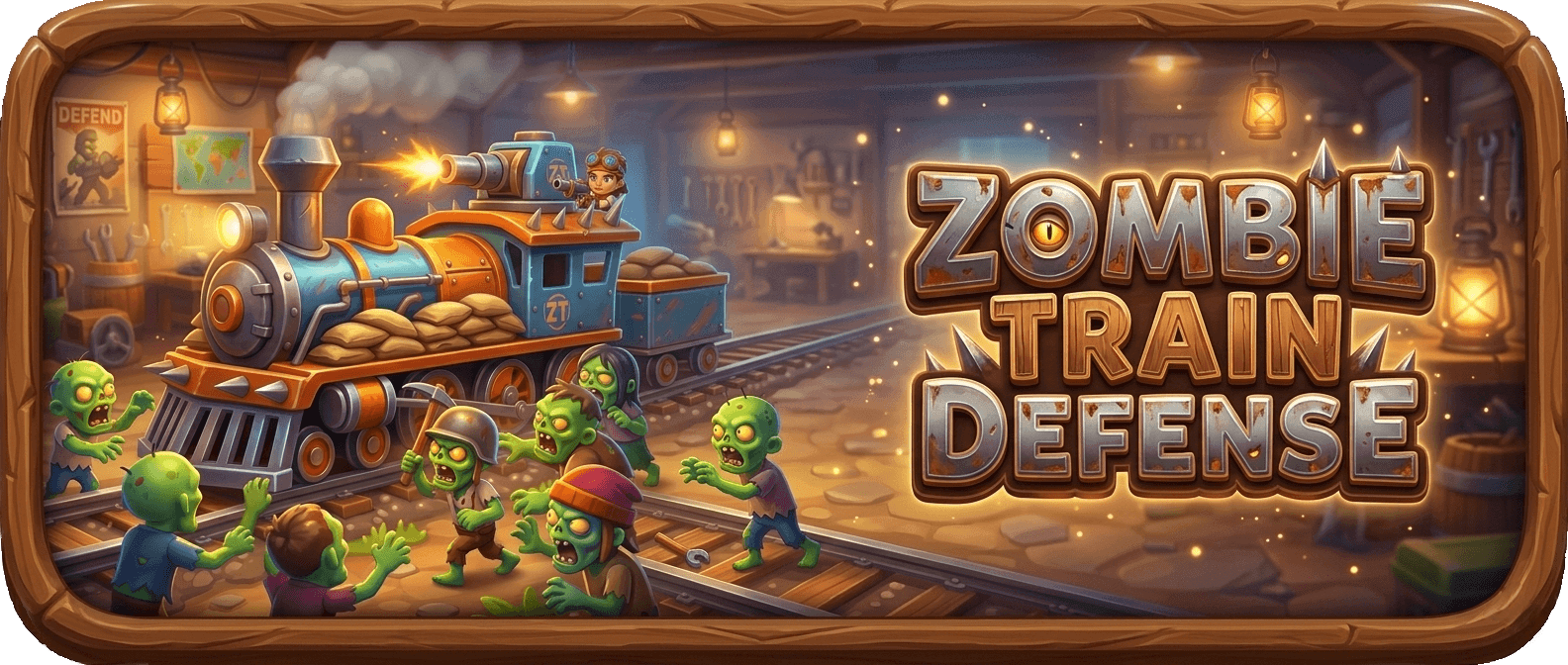
Zombie Train Defense
Zombie Train Defense Html5 Game play Previews


About Zombie Train Defense HTML5 Game
Welcome to Zombie Train Defense, an intense and thrilling 2D zombie shooting game where survival depends on your aim, strategy, and quick reactions. In this action-packed zombie survival game, players take the role of a brave defender protecting a fast-moving train from relentless waves of the undead. The train never stops, and the danger never ends. As the train speeds through abandoned cities, dark forests, and destroyed wastelands, hordes of terrifying zombies chase the train, attempting to climb aboard and attack the passengers. Your mission in this exciting zombie defense game is to eliminate every approaching zombie before they reach the train. Using powerful weapons, you must shoot accurately from the train window and stop the undead invasion. The gameplay is designed to deliver an immersive zombie shooting experience where every second counts. Players must carefully manage their limited ammo system, making every shot meaningful and strategic. Headshots reward extra points and help eliminate zombies faster, adding an exciting challenge for skilled players. As the game progresses, the difficulty increases with faster and stronger enemies appearing in each wave. Some zombies run faster, some climb the train quickly, and others require multiple shots to defeat. This creates a dynamic and engaging wave-based zombie survival challenge that keeps players constantly alert. The game also introduces explosive environmental elements such as oil barrel explosions. When players shoot these barrels at the right moment, they create powerful explosions that destroy multiple zombies at once, making them a crucial strategy for surviving large zombie groups. The visually engaging moving train background adds excitement and realism to the gameplay. As the train moves forward, players experience constantly changing scenery that enhances the feeling of a dangerous journey through a zombie-infested world. Smooth controls and responsive shooting mechanics make the game easy to learn but difficult to master. This combination makes Zombie Train Defense perfect for players who enjoy action shooting games, zombie apocalypse games, and fast-paced HTML5 survival games. Whether you are playing for quick fun or trying to beat your highest score, the game offers endless excitement and replay value. Every wave brings new challenges and tests your reflexes, accuracy, and survival instincts. With its addictive gameplay loop, exciting zombie attacks, and strategic shooting mechanics, Zombie Train Defense stands out as one of the most engaging online zombie defense games. If you love fighting zombies, protecting survivors, and experiencing the thrill of nonstop action, this train defense survival shooter will keep you entertained for hours. Prepare your weapons, watch your ammo, and defend the train at all costs because in this dangerous world, the undead never stop chasing.
Zombie Train Defense HTML5 Game Video
How To Play Zombie Train Defense on Html5games.io
How do I shoot zombies?
Use your mouse click or tap on the screen to shoot at the zombies approaching the train.
How do I aim at zombies?
Move your mouse cursor or finger to aim the weapon toward the zombies before shooting.
How do I reload my weapon?
Press the R key on your keyboard or tap the reload button when your ammo runs out.
How do I zoom with the sniper scope?
Right-click the mouse or tap the scope button to activate the sniper zoom for precise headshots.
How do I destroy multiple zombies at once?
Shoot the oil barrels near zombies to trigger a powerful explosion that eliminates several zombies.
How do I earn higher scores?
Aim for headshots, quick kills, and combo hits to earn bonus points.
What happens if zombies climb onto the train?
If zombies reach and climb the train, you lose health, so eliminate them quickly.
How do I win the game?
Survive all zombie waves and protect the train until the mission is complete.
How do I lose the game?
The game ends when your health or lives reach zero after too many zombies attack the train.
Can I play the game on mobile devices?
Yes! The game supports touch controls, so you can tap the screen to aim and shoot zombies easily.
FAQ
Downlaod Zombie Train Defense 2026 PC and Mobile
Android Phone
Click on Download button and install it directly in your Phone. And Enjoy Zombie Train Defense in Android Phone. Zombie Train Defense is Offline Android Game
PC
Click on Download button and install it directly in your Phone. And Enjoy Zombie Train Defense in PC. Zombie Train Defense is Offline PC Game
IOS
"Share" Link form safari browser and Click on "Add to Home Screen"